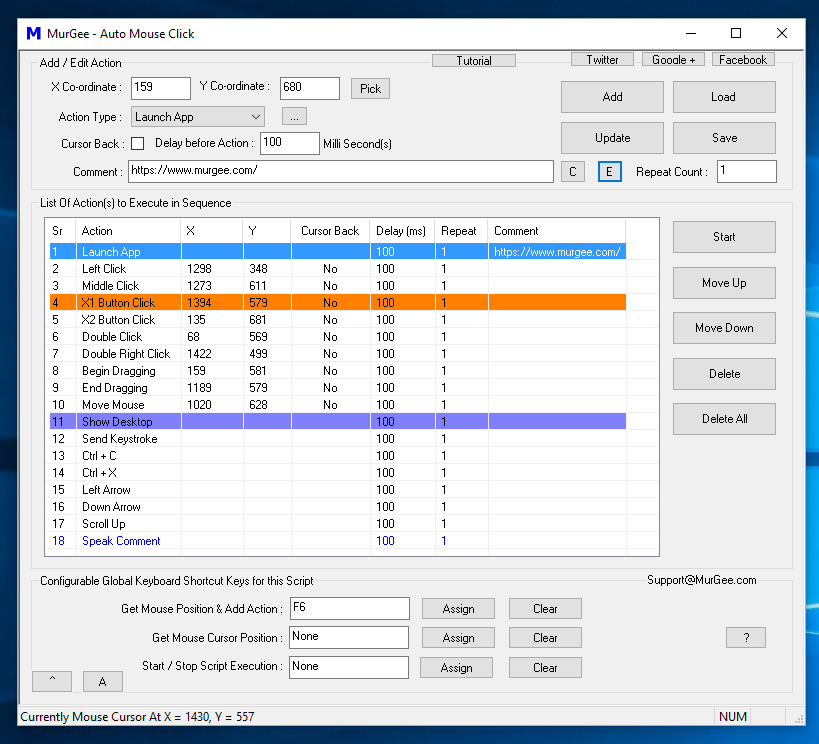
Human input to a computer, such as mouse clicking and key pressing, does not depend on the speed of your Windows computer. Whether you are using the latest computer with the latest Intel processor and graphics card, human input (like clicking mouse buttons or pressing keystrokes) can be made faster with the help of gaming software tools. One such gaming software application is displayed in the screenshot above. The software application displayed above allows you to create a mouse clicking script with which you can automate or speed up mouse clicking at predefined screen locations or at the current mouse cursor location. Apart from automated mouse clicking, the above-mentioned software can press keystrokes, perform mouse clicks with random time delays, and much more.
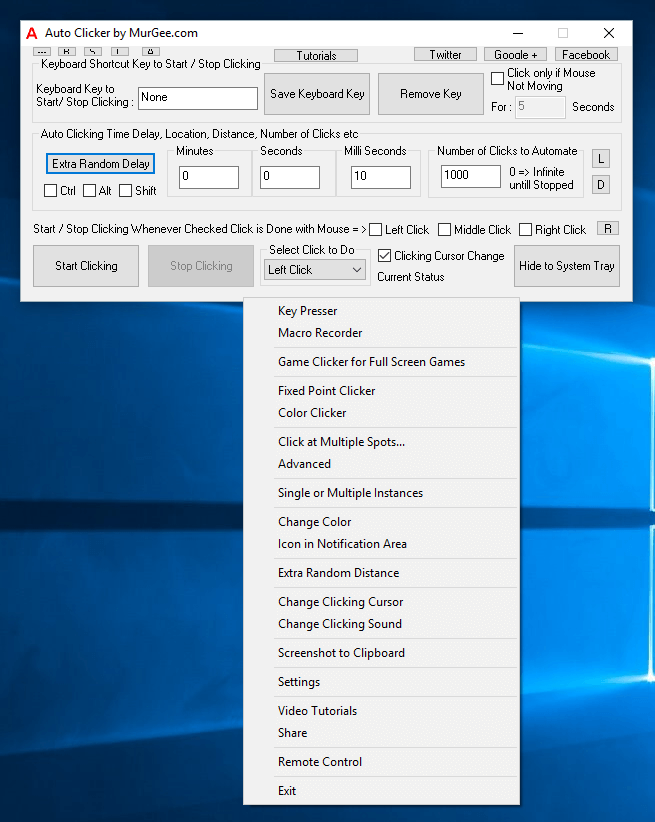
When you simply need to click faster in a game, you can use the above-displayed software application designed specifically for gaming. The auto clicker shown in the screenshot above allows you to automate mouse clicking. Controlling automated and fast mouse clicking is supported via physical mouse clicks and keyboard shortcuts. It features an built-in key presser, advanced auto clicker, fixed screen location picking, and much more, making it one of the best auto clickers for games. You can download and try it for free on your Windows computer; gamers around the world use it as a helping hand for playing full-screen and browser-based games.
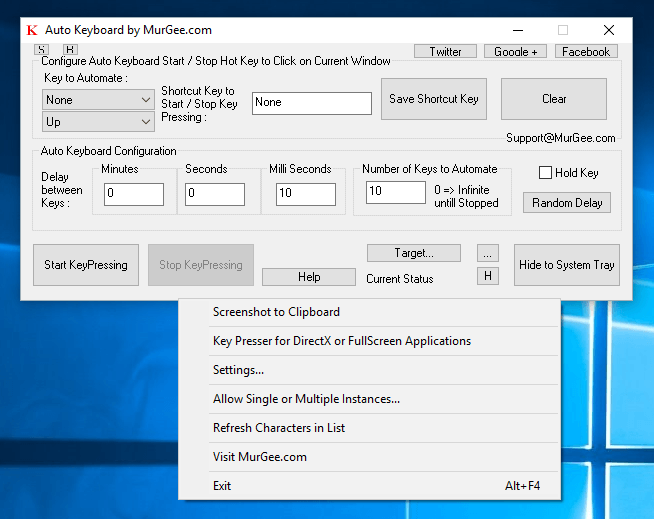
Apart from fast mouse clicking, many times during gameplay you need to press a single keyboard key multiple times. Pressing a single key repeatedly with configurable speed is easy with the above-displayed gaming tool. Another gaming utility designed for DirectX and browser-based games is presented in the Auto Key Presser for Games post on this blog. Random time delays between consecutive keys, along with easy and intuitive configuration, make it a powerful tool for handling keystrokes while gaming.
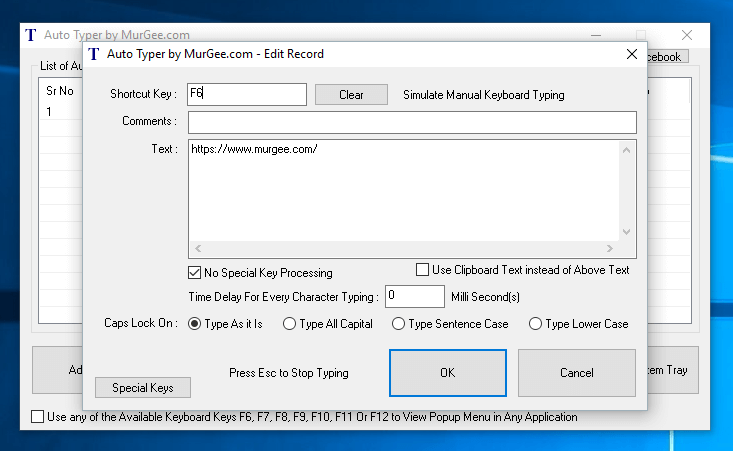
Typing text sentences from a keyboard requires hand-eye coordination, and spelling mistakes can easily happen when trying to type quickly. If your games require you to type text sentences repeatedly and you need a way to automate text typing in your game, you can use Auto Typer, an easy-to-understand keyboard automation software for Windows. With this tool, you can control the speed of text typing, eliminate spelling and grammatical errors, and speed up repetitive typing.
All the above-mentioned software applications are available on a free-to-download and try basis. A minimal fee of less than $10.00 is required to unlock the trial limitations. Selecting and using the appropriate gaming tools from this list can help you explore the full power of your gaming PC. Computers were designed to perform tasks faster than humans; building a gaming PC requires planning and investment, and now it is easy to unleash the power of your PC with these gaming software tools.